 Scodium
 VectraView
Technical illustrations, straight from your CAD assemblies.
Coming soon for Windows. Invited beta testers can try it first.
How it works
Step 1
Import
Open your assembly from STEP, IGES, 3DM, STL, OBJ or 3MF files.
Step 2
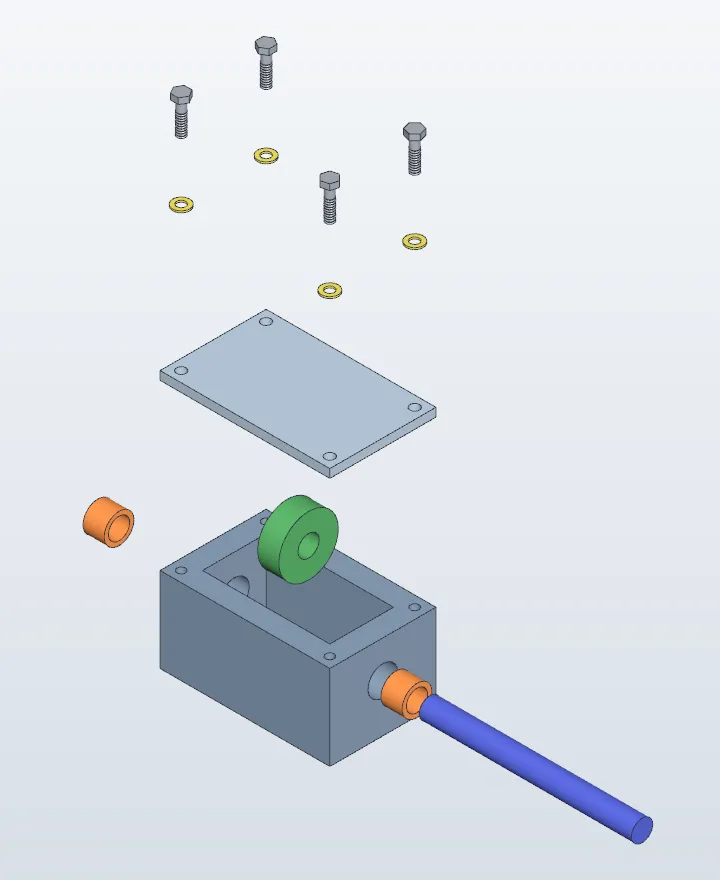
Explode
Pull parts apart in one step, then move them where you want them.
Step 3
Annotate
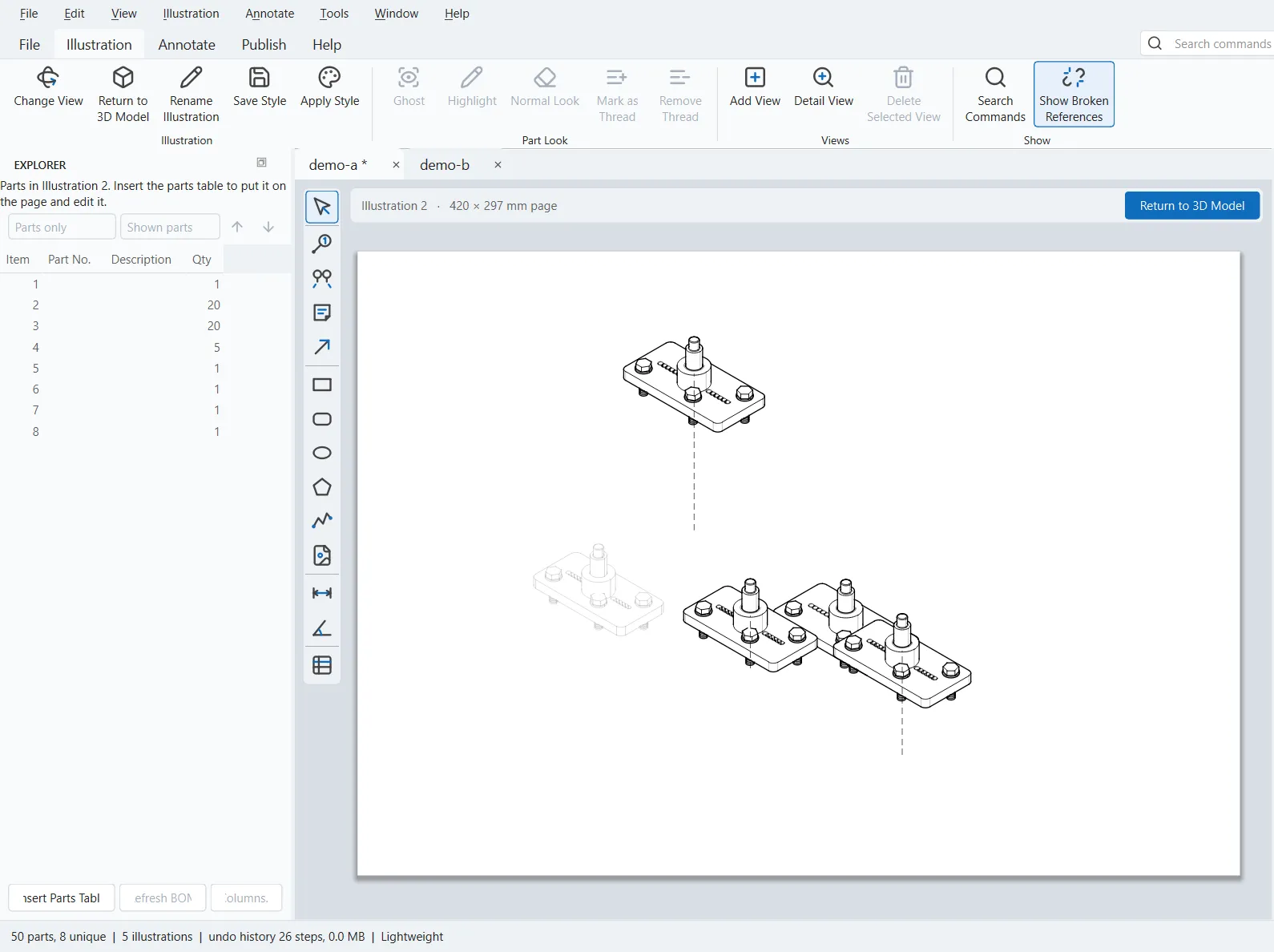
Place balloons, dimensions and a parts list on the page.
Step 4
Export
Save the illustration as SVG, PDF, PNG or DXF.
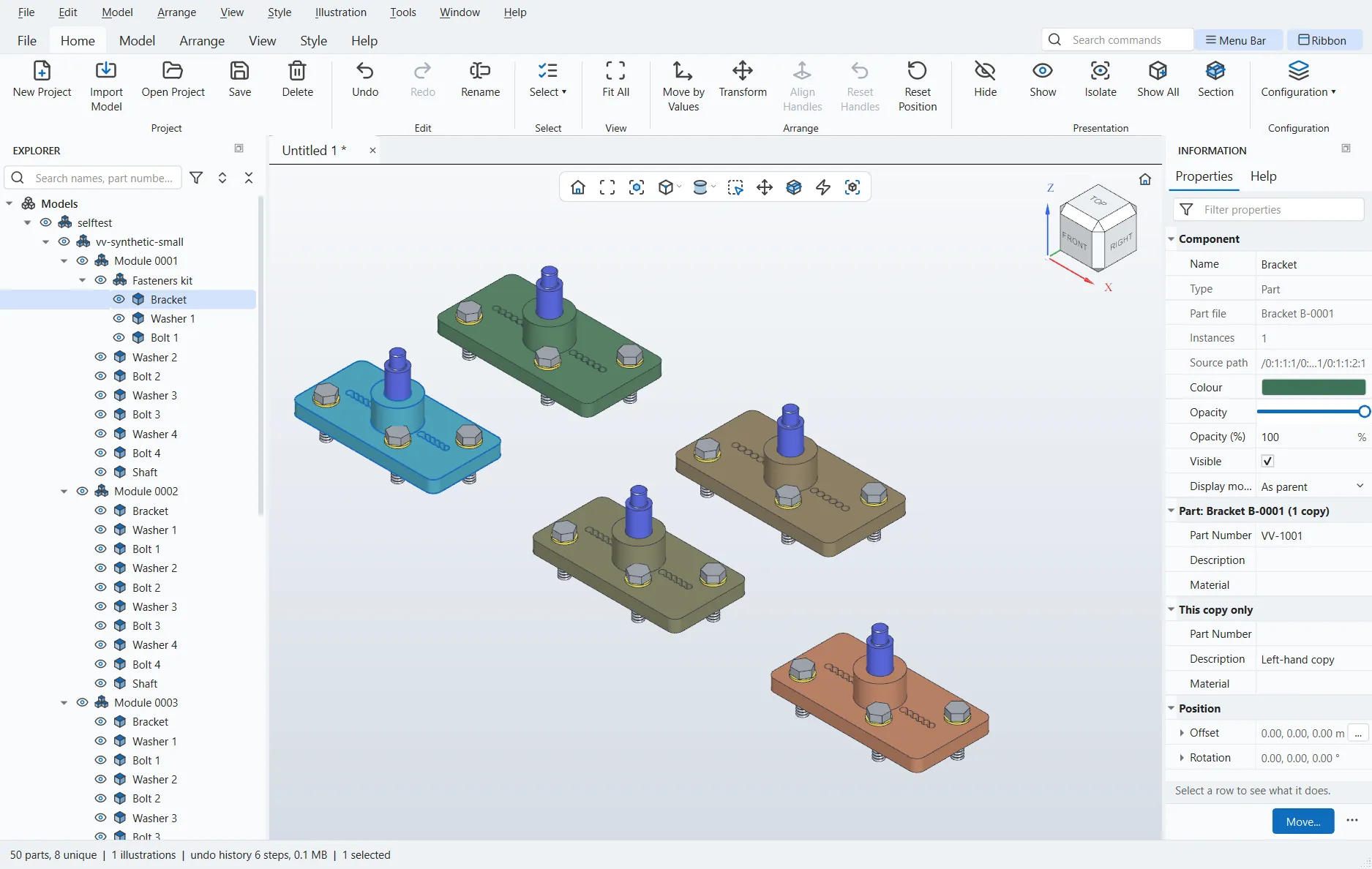
Features
Explode in one click
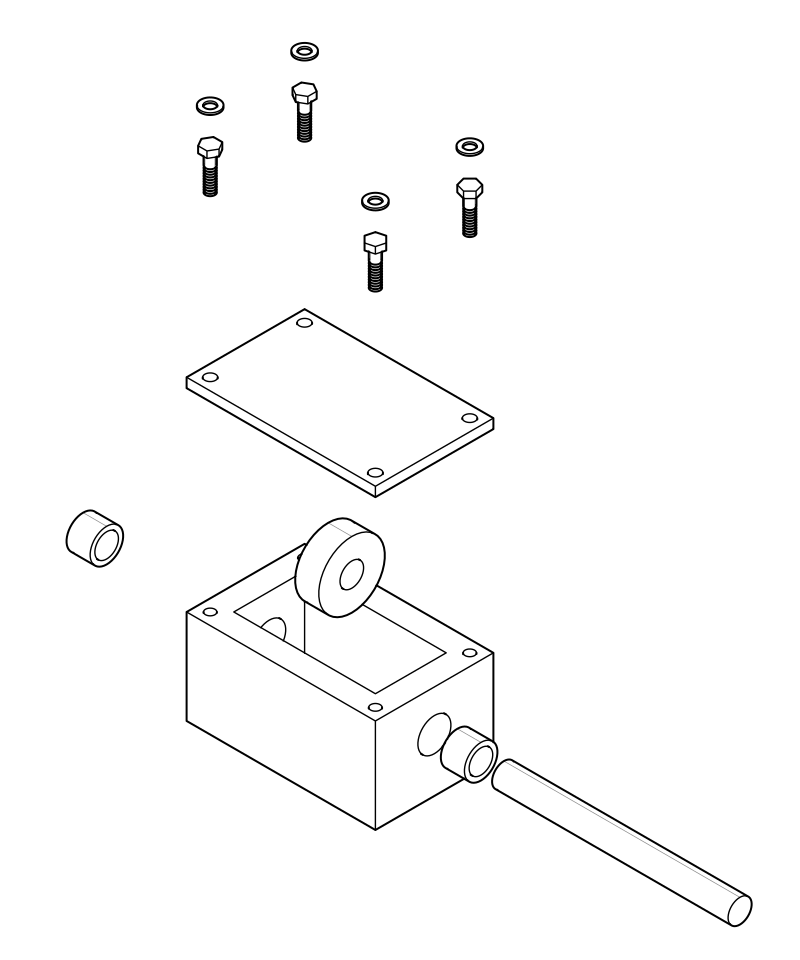
Quick Explode moves each part the way it would really come off. Fine-tune with handles and a slider, add explode lines, and keep several exploded configurations in one project.
Clean line art
Hidden lines are worked out for you. Outer borders, part borders and smooth edges each have their own pen, and line breaks keep overlapping parts apart.
Ghost, highlight and thread symbols
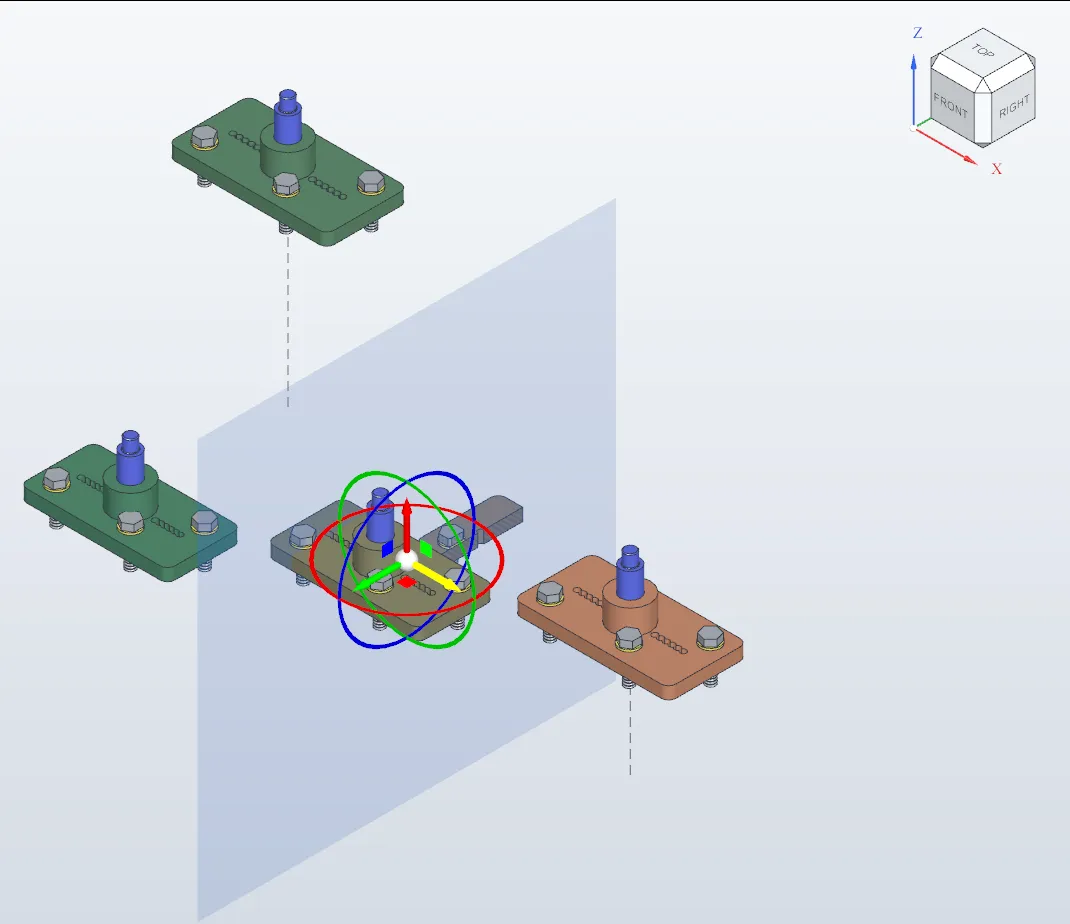
Fade the parts that matter less and pick out the ones that matter more. Thread symbols are guessed on import and can be corrected by hand.
Sections and detail views
Cut through an assembly with one or more section planes, and add magnified detail views to the page.
Balloons and parts lists
Balloons are placed automatically and stay linked to an editable parts table, filled in from the part names and properties in your model.
Pages ready for your manuals
Page sizes, templates and title blocks, several views on a page, notes, leaders and dimensions. Export one illustration or all of them at once.
Styles you can share
Save the look of an illustration as a named style, and share it with your team through a common folder.
Built for real assemblies
Made for assemblies with thousands of parts, with a fast display mode and long jobs that run in the background.
Screenshots
File formats
- Import
- STEP, IGES, Rhino 3DM, STL, OBJ, 3MF
- Export illustrations
- SVG, PDF, PNG, DXF
- Export 3D models
- STEP, IGES, BREP, Rhino 3DM, STL, OBJ, PLY, VRML, glTF, GLB, 3MF, DXF
System requirements
- Operating system
- Windows 11, 64-bit
- Graphics
- OpenGL 3.3 or later; integrated graphics such as Intel Iris Xe work well
- Memory
- 16 GB recommended
- Internet
- Needed to activate a licence
Final details will be confirmed during the beta.