 Scodium
From 3D CAD models to clear technical illustrations.
VectraView turns CAD assemblies into exploded, annotated illustrations with parts lists, for manuals, service and manufacturing documentation.
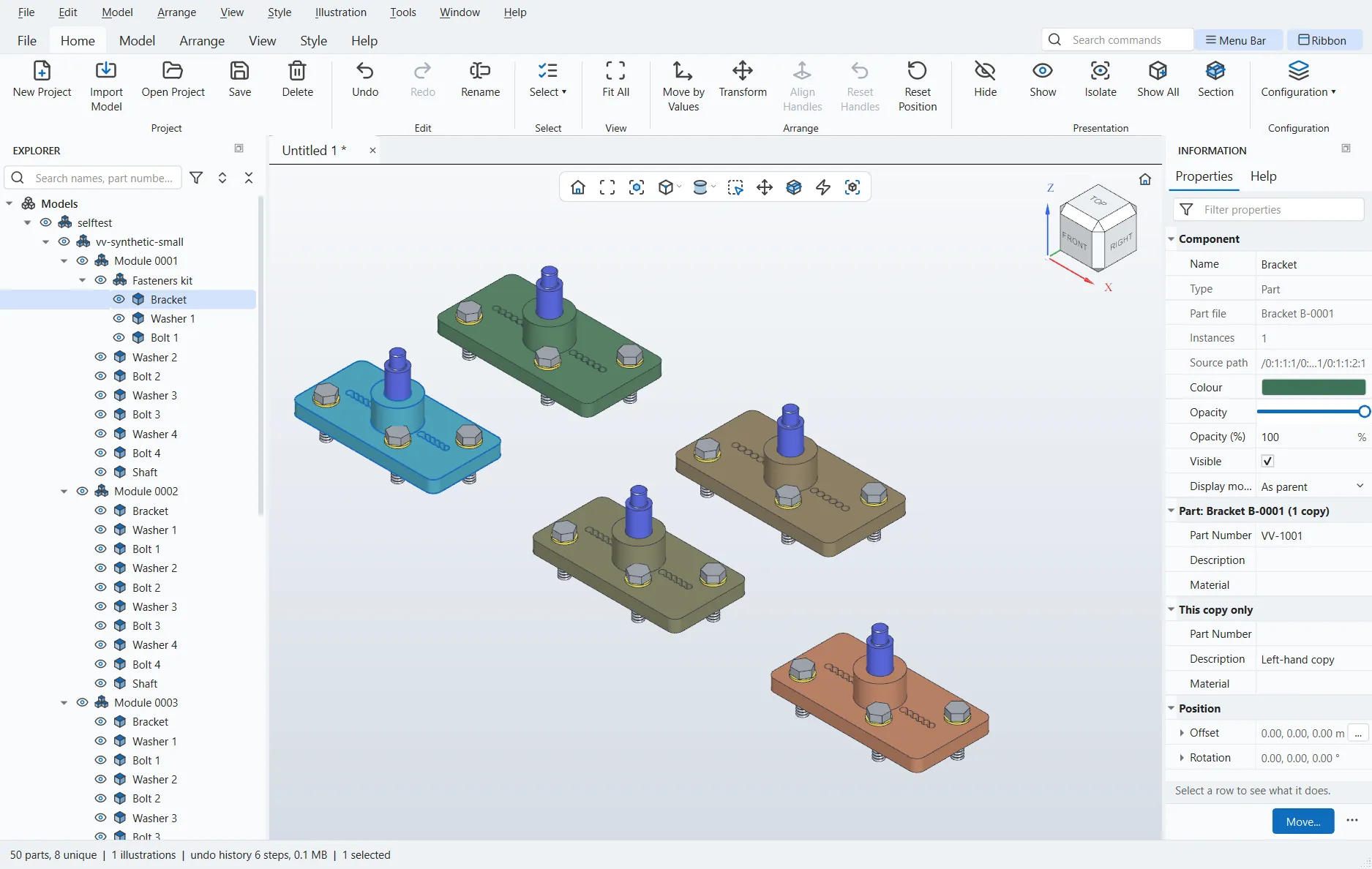
Explode in one step
Pull an assembly apart with Quick Explode, then adjust any part by hand.
Annotate on the page
Add balloons, dimensions and a parts list to the drawing.
Export for your manuals
Save illustrations as SVG, PDF, PNG or DXF.
Line art you can print and edit
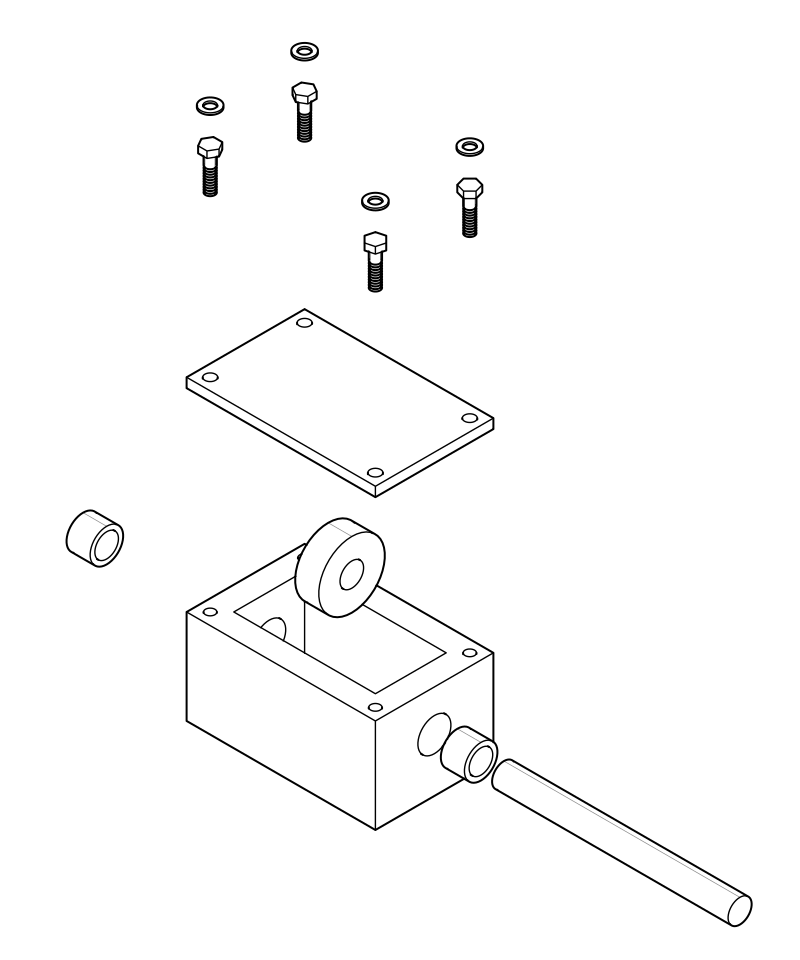
VectraView works out which lines are visible, then draws them as clean vector line art. This gearbox came straight out of the program.
From the blog
- From a CAD model to an exploded illustration
6 November 2026
About Scodium
Scodium builds desktop software for engineers and technical writers who turn 3D designs into 2D drawings and images. More about us, or email support@scodium.com.